Electrolux Washer E11 Error in Tarpon Springs: A Dead Coil on the Water Inlet Valve (Plus How to Enter Test Mode)
- Symptom
- The washer stopped while filling and showed error E11, which means the fill took too long.
- Cause
- One of the two coils on the water inlet valve had failed, so that side of the valve never opened.
- Fix
- Replaced the water inlet valve with a genuine Electrolux part (5304528029) and ran a test cycle. The washer fills and runs normally again.
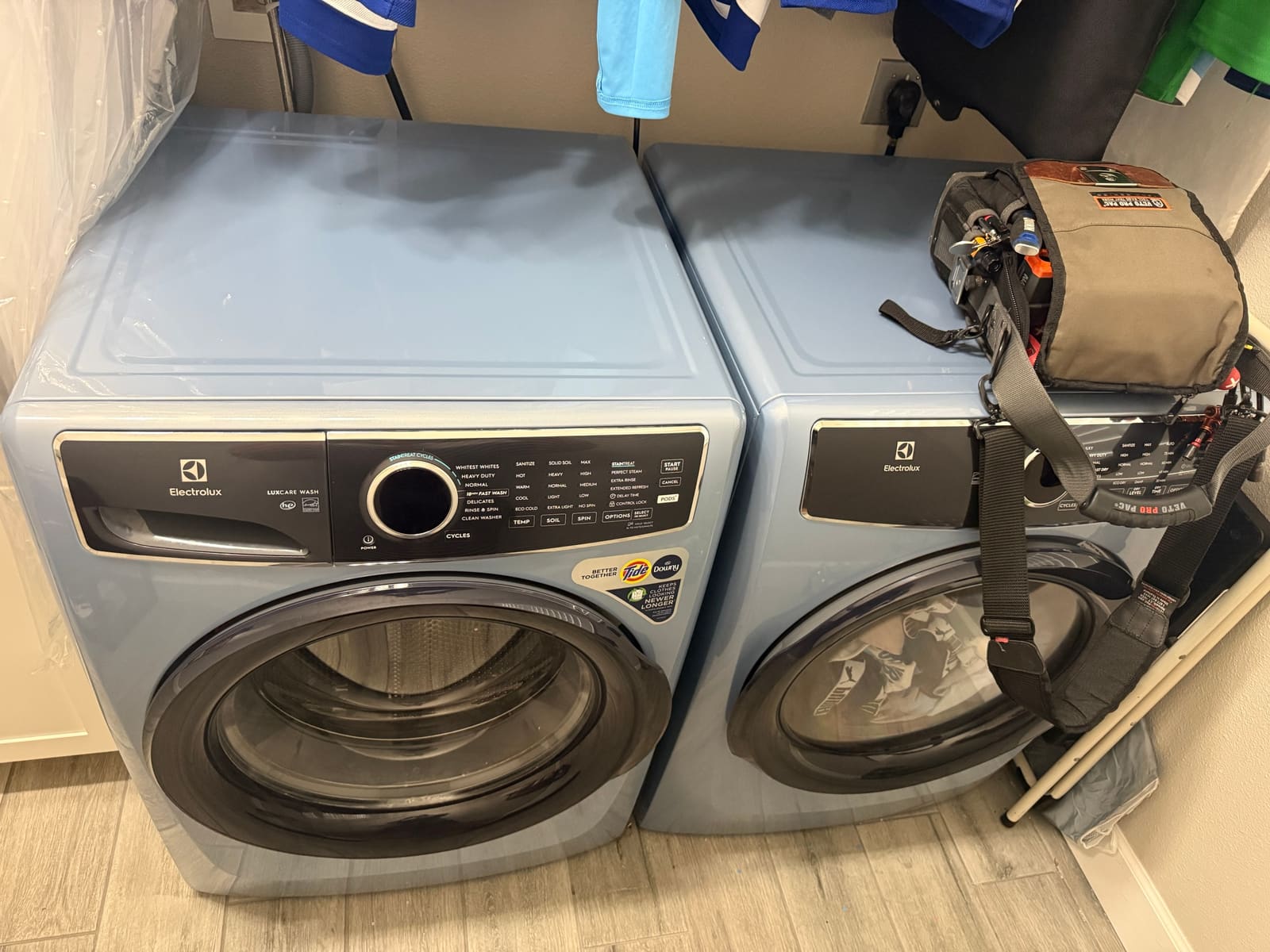
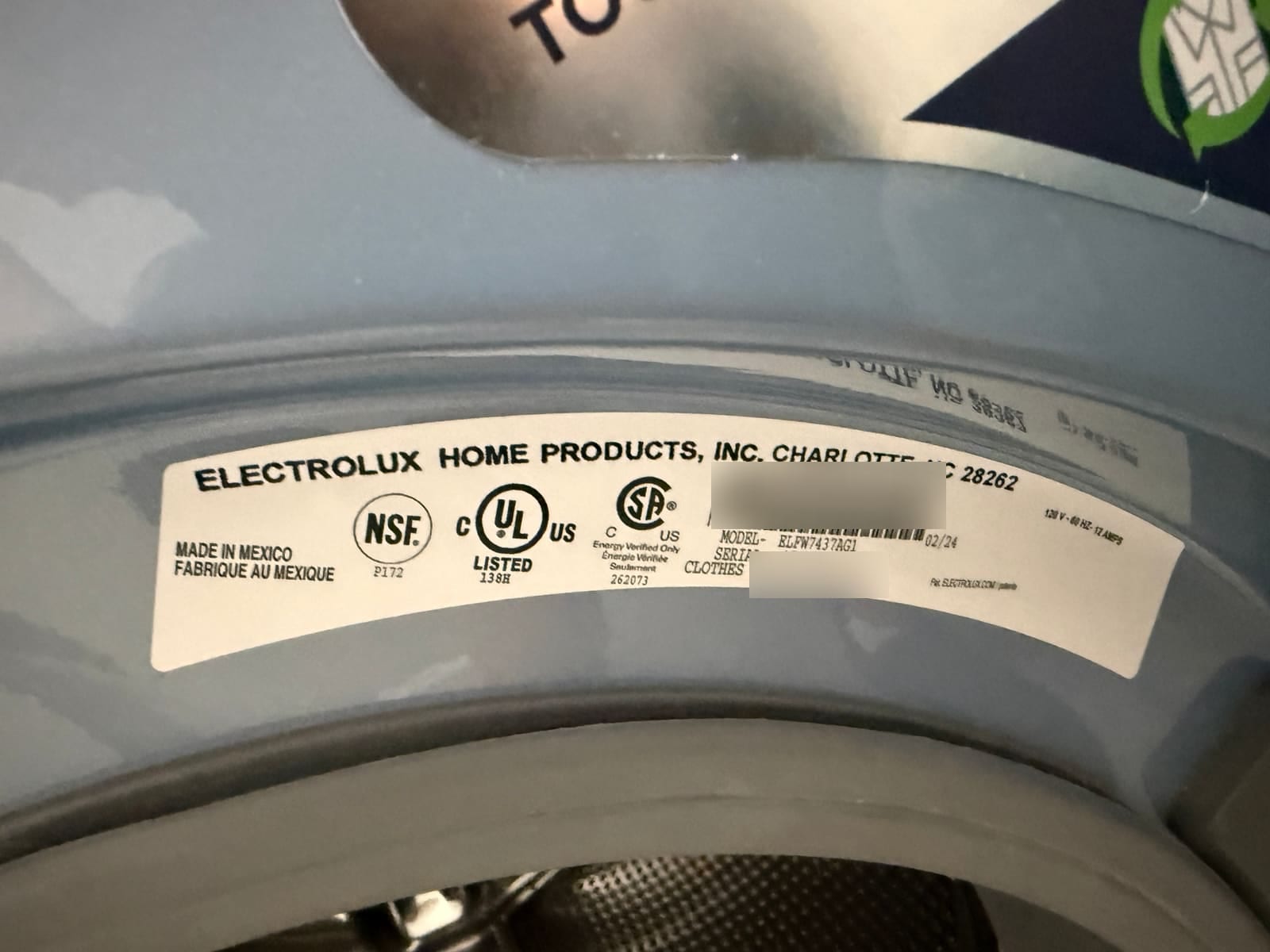
A client in Tarpon Springs called about their Electrolux front-load washer (model ELFW7437AG, made in early 2024). It would start a cycle, then stop while filling and show error E11.
What E11 means
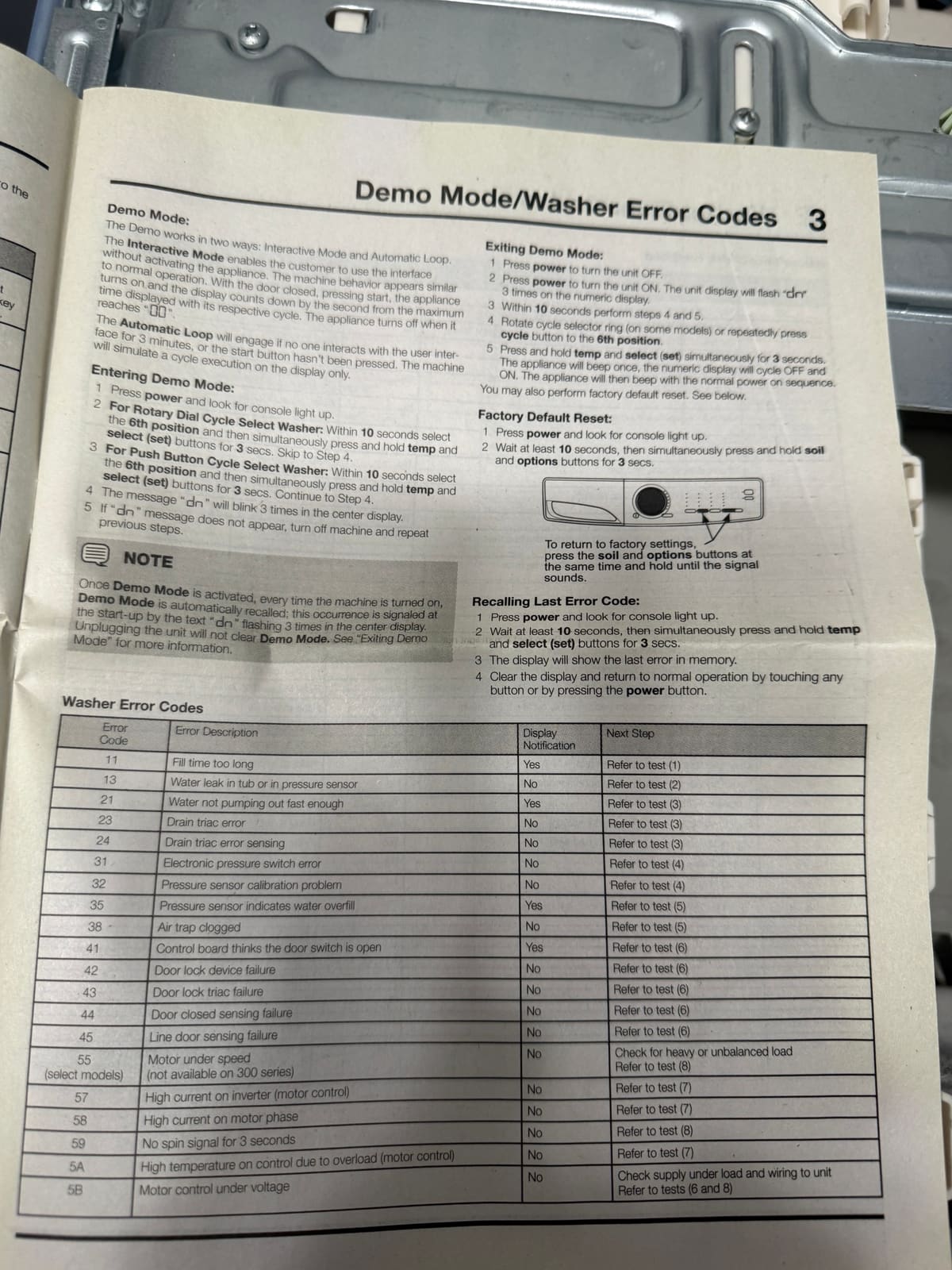
On these Electrolux washers, E11 means the fill took too long. The washer opened the water valve, waited, and the water never got up to the level it expected. The tech sheet that comes inside the washer lists it as error 11, “fill time too long.”
If you see E11, check the easy things first. Both faucets behind the washer should be fully open, the hoses shouldn’t be kinked, and the little screens where the hoses connect shouldn’t be clogged.
One coil was dead
The water inlet valve has two sides, one for hot and one for cold, and each side has its own electric coil that opens it. On this washer, one of those coils wasn’t working. That side of the valve never opened, so the washer couldn’t fill the way it was supposed to and timed out with E11.
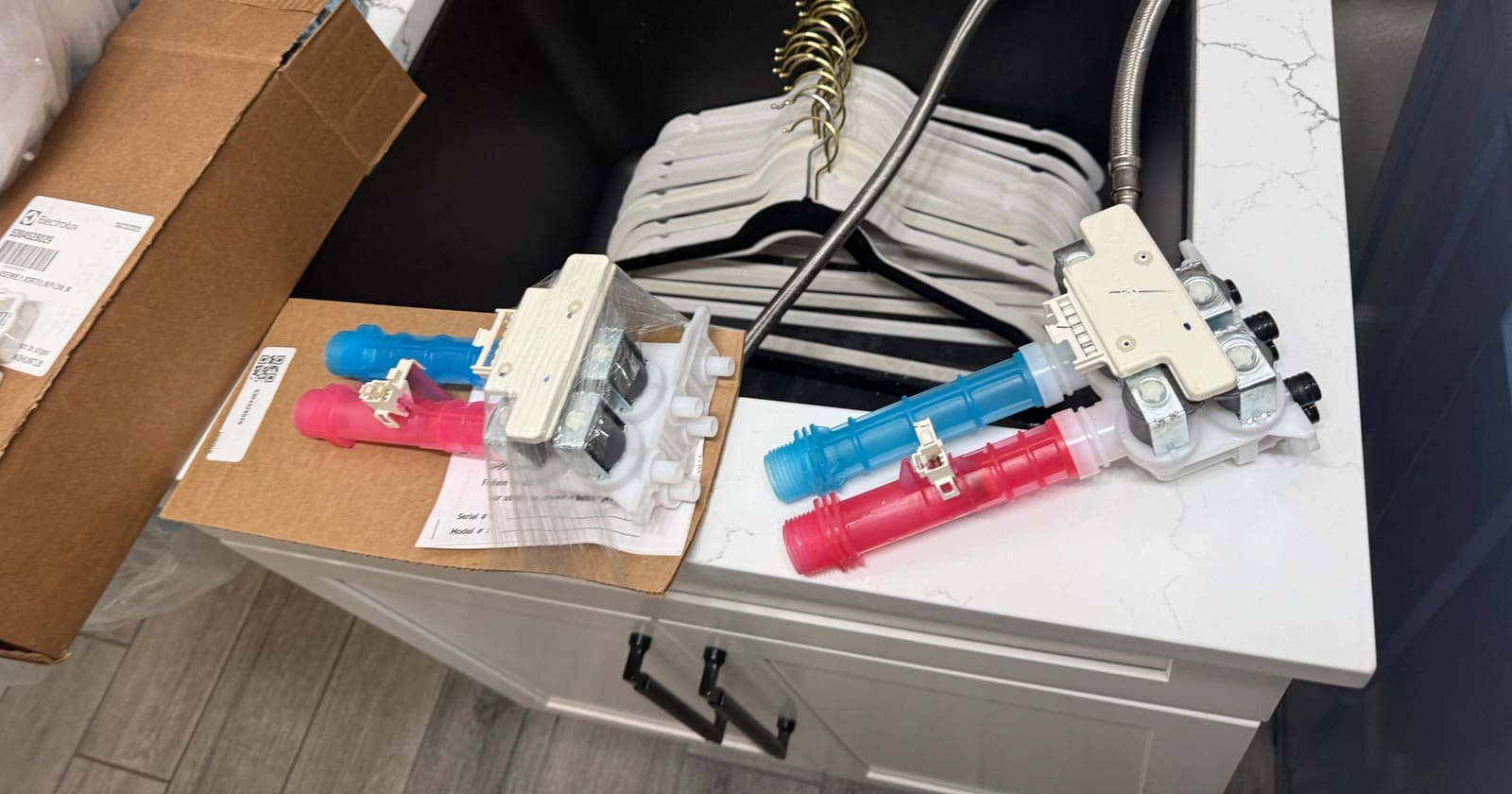
We took the top off and put in a new genuine Electrolux valve (part 5304528029).
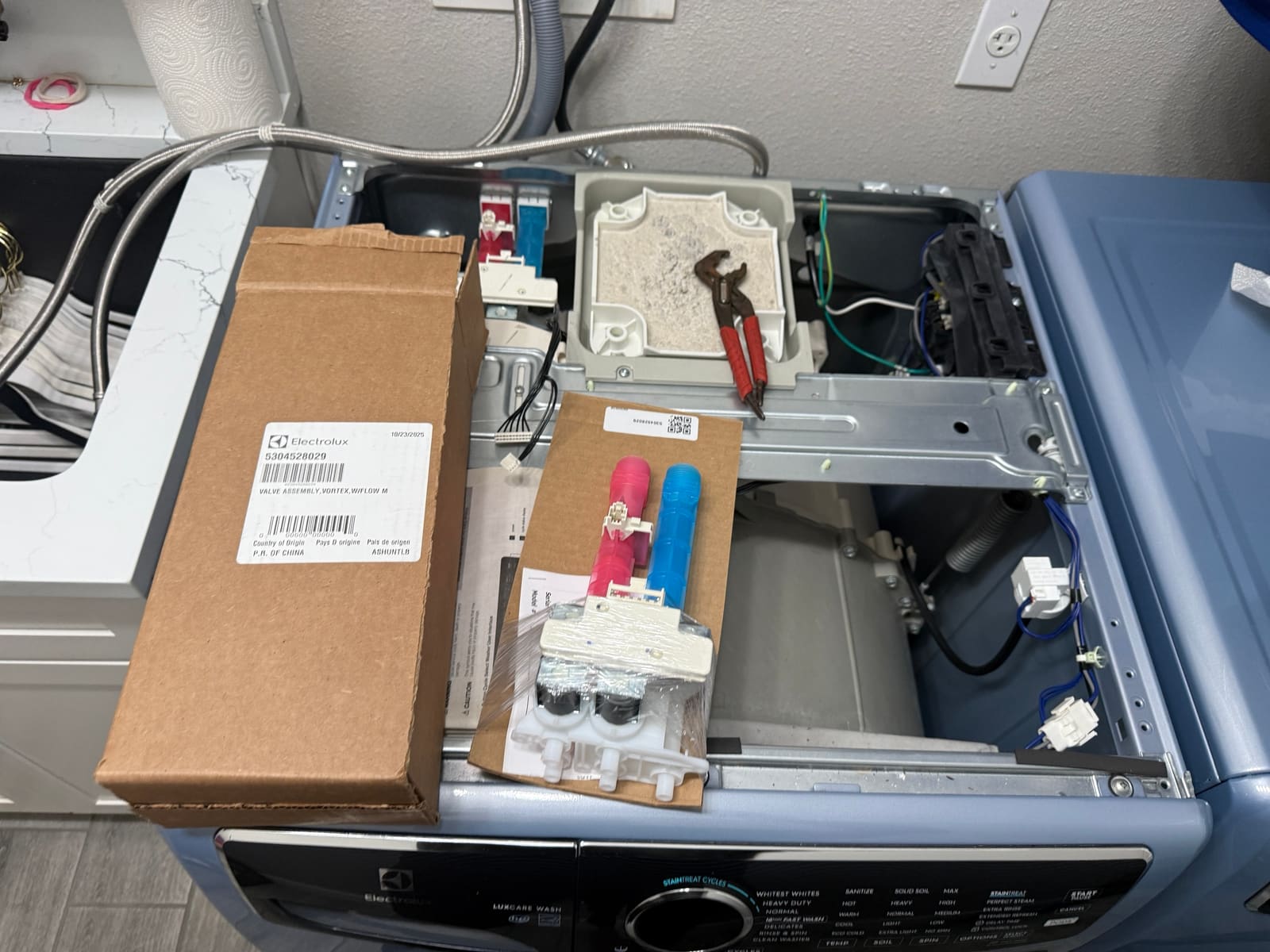
Here’s the new valve next to the old one.
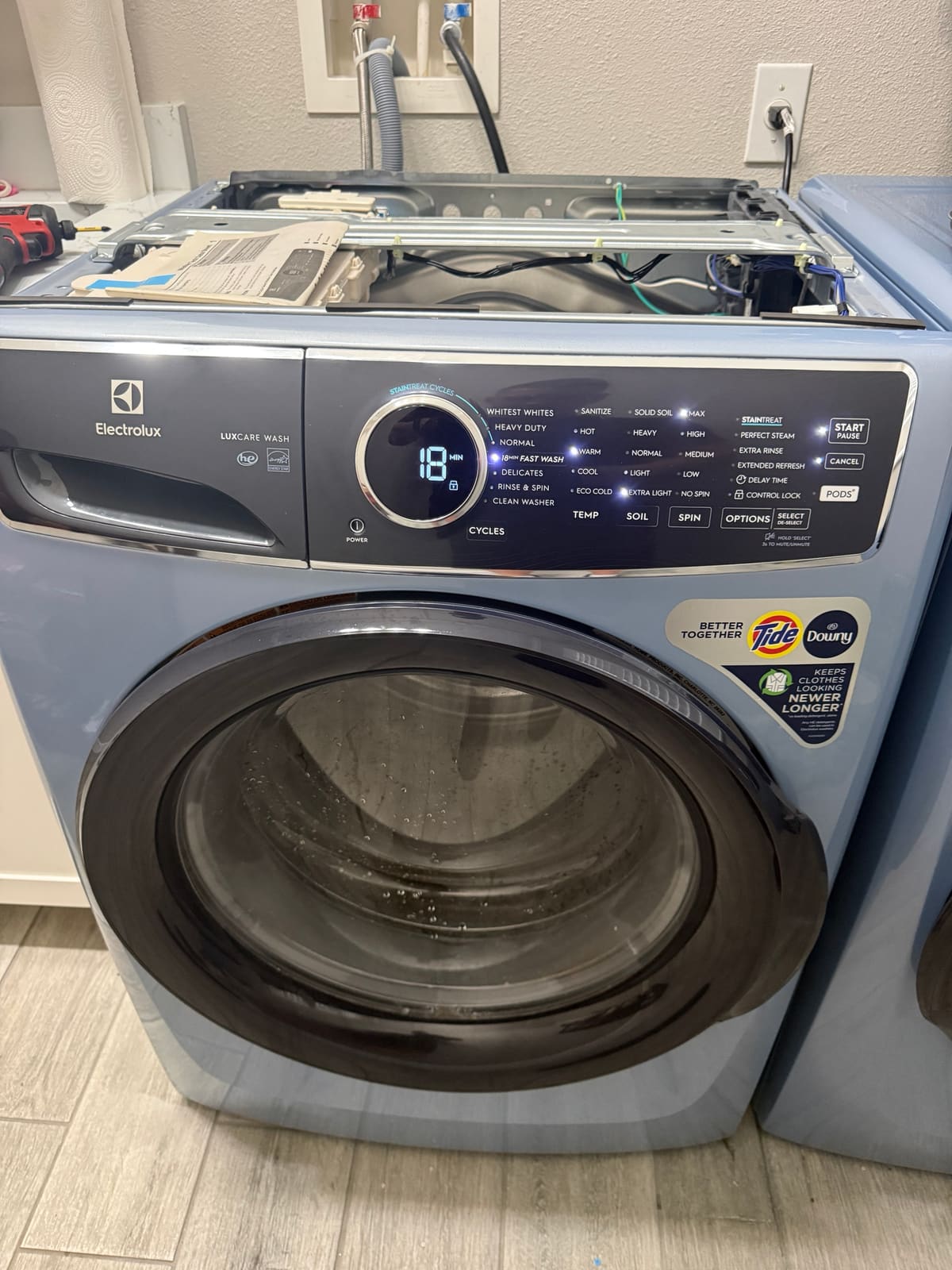
With the new valve in, we ran a cycle, and it filled and ran normally.
How to enter test mode on this Electrolux washer
If you have one of these washers with the round cycle dial, here’s how to get into the diagnostic mode, straight from the tech sheet inside the machine.
- Press Power to turn the washer on.
- Turn the cycle dial to Normal.
- Press Start.
- Press Power to turn it off.
- Press Power again to turn it back on.
- Within 10 seconds, press and hold Temp and Select together for 3 seconds.
- The lights start blinking in sequence. That first step, shown as 00, tests the lights and buttons.
To move through the tests, turn the dial clockwise. Turn it counterclockwise to go back. The test number shows on the display each time you land on one. To get out of test mode, hold Power for 3 seconds (anywhere except the 00 step) or unplug the washer.
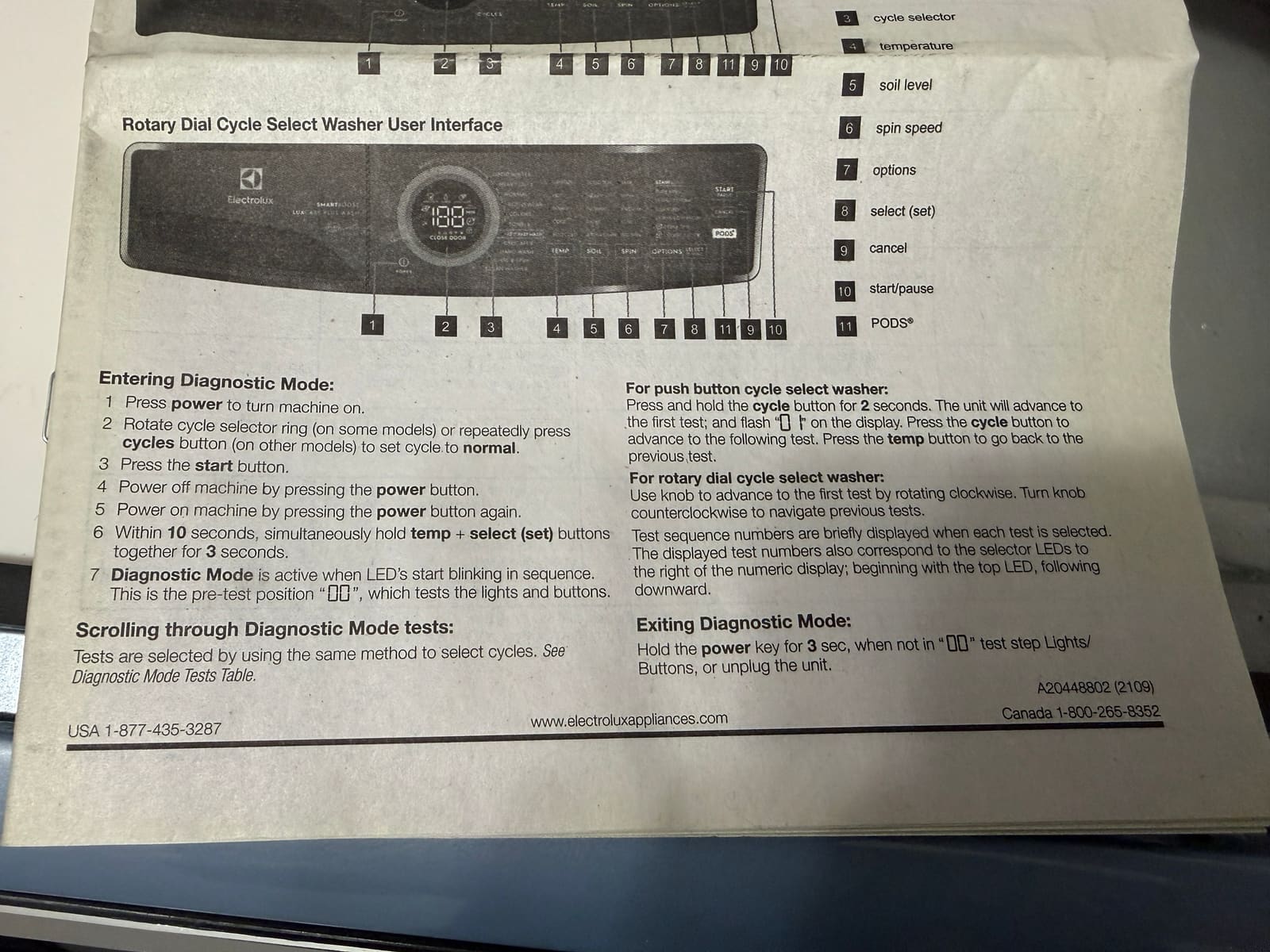
To see the last error code without going into test mode, turn the washer on, wait at least 10 seconds, then hold Temp and Select together for 3 seconds. The display shows the last error. Touch any button to go back to normal.
Working again
The washer fills and runs normally again. If yours shows E11 and the faucets and hoses check out, the inlet valve is the next thing to look at. More on our washer repairs.
FAQ
What does error E11 mean on an Electrolux washer?
E11 means the fill took too long. The washer opened the water valve but didn't reach the right water level in time. Common causes are closed or kinked supply hoses, clogged inlet screens, or a failed coil on the water inlet valve.
How do I enter diagnostic mode on an Electrolux front-load washer?
Turn the washer on, set the dial to Normal and press Start. Turn it off, then back on, and within 10 seconds hold Temp and Select together for 3 seconds. The lights start blinking in sequence when you're in.