LG Range Oven Not Responding in Ozona, Palm Harbor: Child Lock Was On
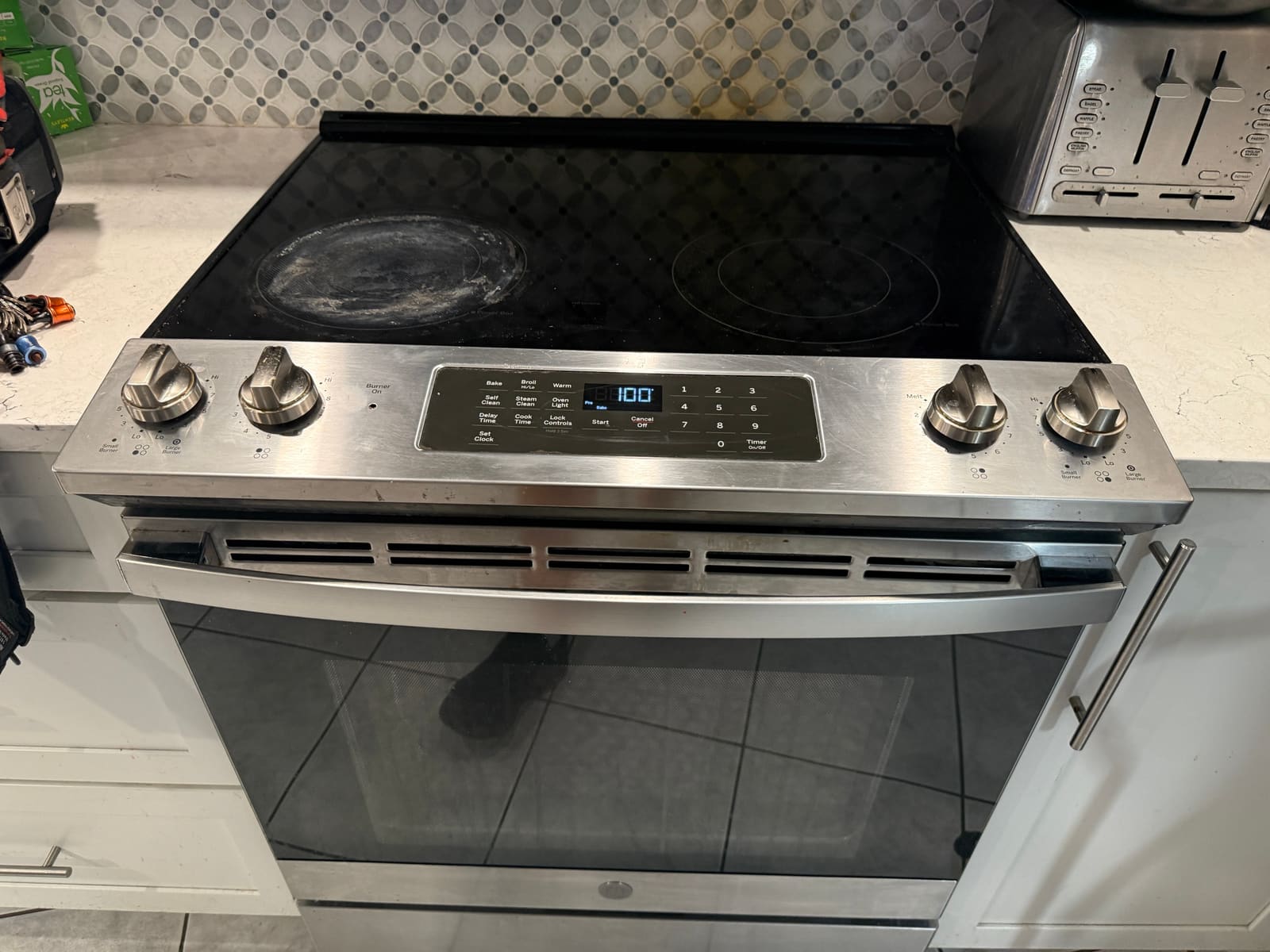
- Symptom
- Cooktop worked, but the oven wouldn't respond to any button.
- Cause
- Child Lock was enabled on the control panel.
- Fix
- Turned Child Lock off — the oven worked immediately.
A client in the Ozona neighborhood of Palm Harbor called about their LG range — the cooktop worked fine, but the oven wouldn’t respond to anything at all.
A fast diagnosis
This one took no time to sort out. Child Lock was enabled on the control panel — easy to miss, since it doesn’t announce itself the way an error code does. It had simply gone unnoticed, and with it on, none of the oven controls would do anything.
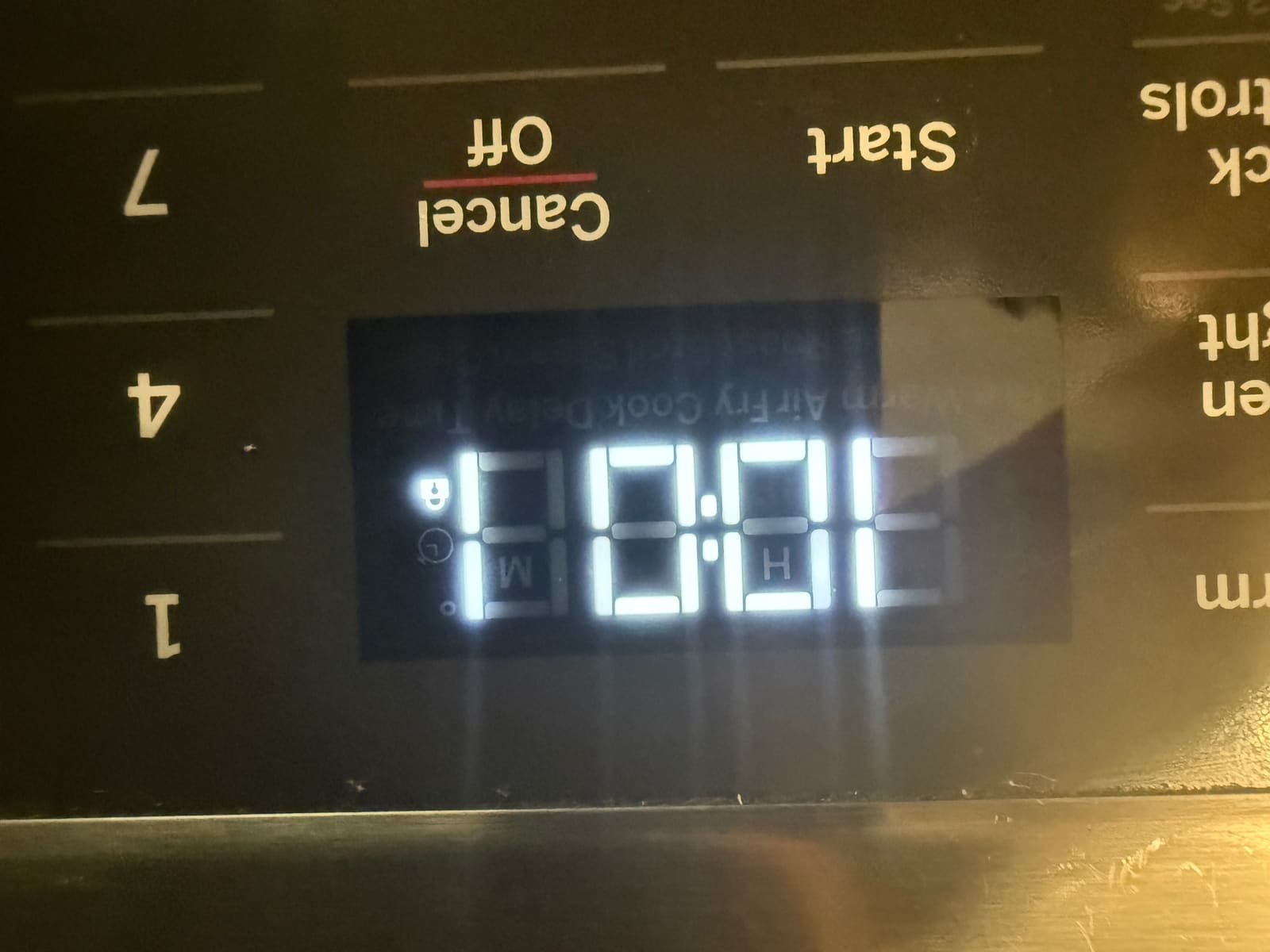
Turning Child Lock off and the oven responded normally right away.
A common one worth checking yourself first
This is a genuinely common call — an oven or range that seems completely dead on the control panel, when the actual cause is a lock feature that’s been switched on, whether on purpose or by accident. If your display won’t respond to any button, check your owner’s manual for how to toggle Child Lock (usually a specific button held for a few seconds) before assuming something’s broken — it can save you the cost of a service call entirely. See our oven repair page for what else we typically check.
FAQ
Why won't my LG oven respond to buttons?
Check whether Child Lock is on — it disables the oven controls without showing an error code.
How do I turn off Child Lock on my oven?
Usually by holding a specific button for a few seconds — check the owner's manual for your model.